
Docs
Pixel Flow user manual and best practices
Find scanning, filtering, image details, library, export, account, and industry workflow guidance by task.
Accounts and PRO
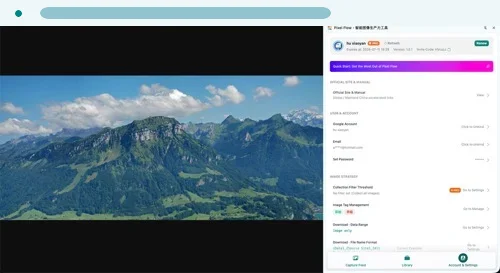
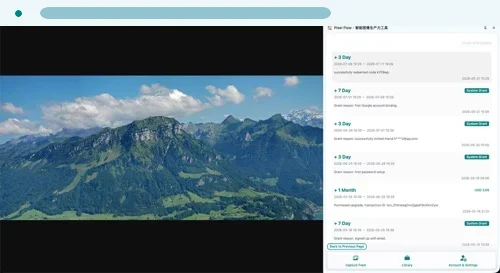
Some advanced capabilities require sign-in or PRO access. The account area helps you review subscription status, plan records, entitlements, and support access.
Before Purchase
Review the plan type, price, discount, billing cycle, auto-renewal status, and available features before purchase. Payments are securely processed by Creem, and the active checkout page shows the final amount, taxes, payment method, and payment terms before you pay.
For purchase or entitlement refresh support, include your sign-in email, order ID, or payment reference. Do not send passwords, verification codes, card numbers, or full payment card details.
Refunds and Cancellation
For refund requests, renewal cancellation, and one-time pass rules, review the refunds and cancellation policy.